Set up UPS shipping
1) Be sure UPS account is registered and set up in Products:More > Shippers

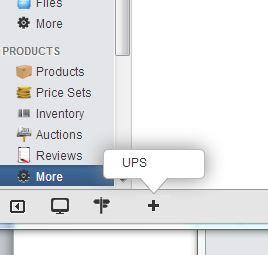

Follow instructions to register an account with UPS
2) Add UPS shipping methods (Ground, Next Day Air, etc) in Products:Price Sets > Shipping Method. Select UPS from Shipper Dropdown.


*be sure to set up a shipping method for each type of shipping offered (Ground, Next Day Air, etc.)
3) Set up an ordering rule for each shipping method in Products:Price Sets > Ordering Rules:

Add a Standard ordering rule:

Condition: "Destinations"


To select multiple locations hold down the <ctrl> key and click on destination

** (To set up additional destinations, see “__________”)
c) Condition: "Shipping Method"


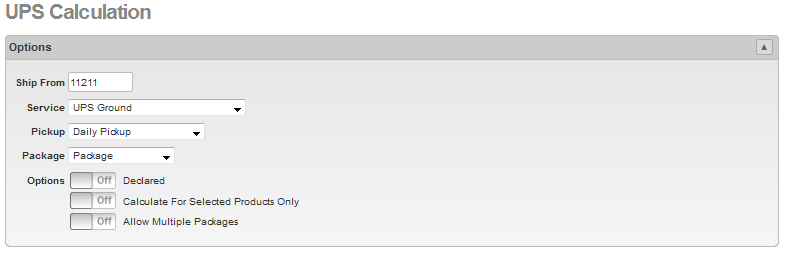
d) Calculation: "UPS" ("Ship From" needs a zip code)


4) Product must have a weight in order for UPS to calculate.
a) Under Products tab, select product:

b) Click on the “Show More Options” to expand the Options box, then enter weight:
